Weekdays 09:00
Inbox
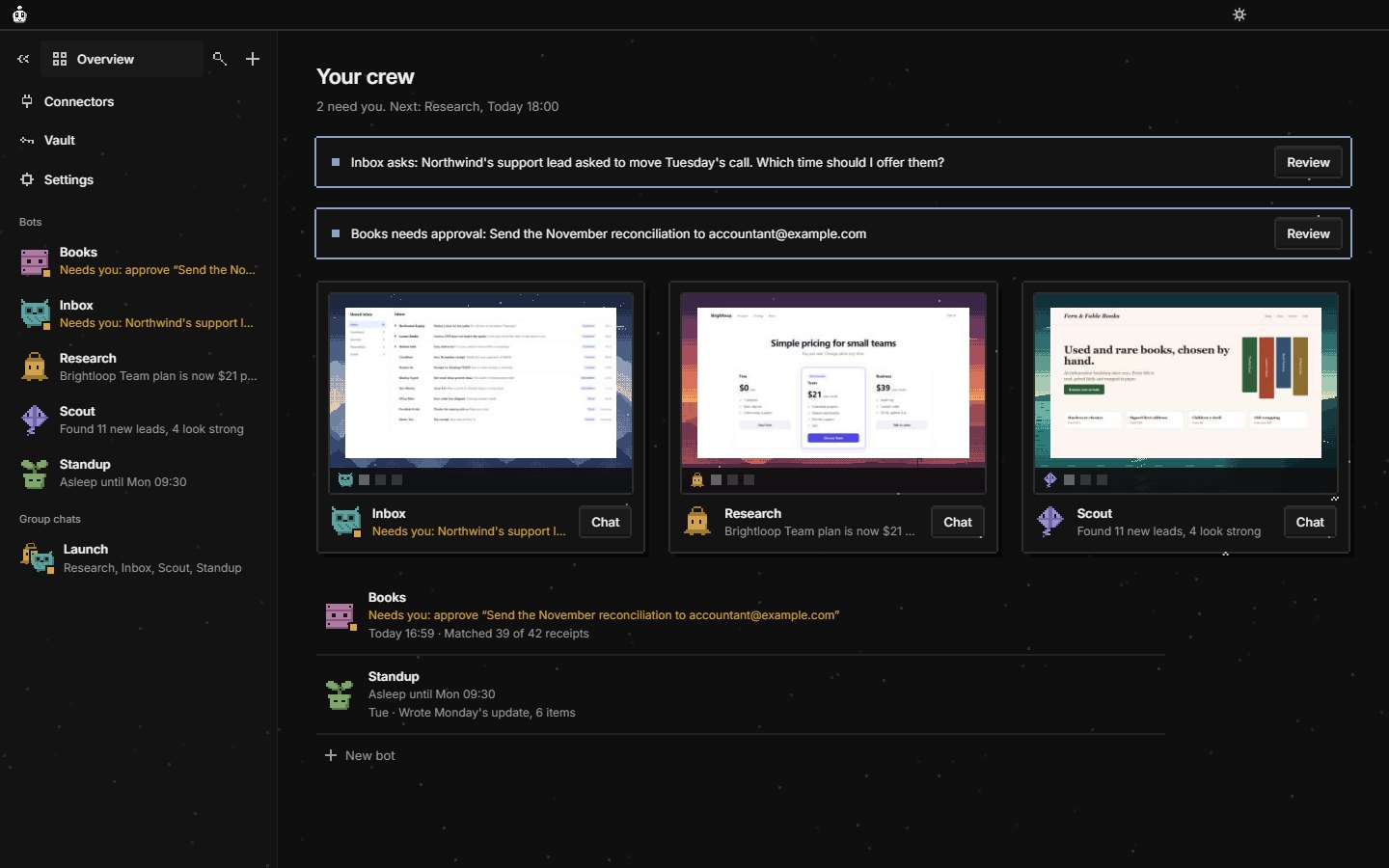
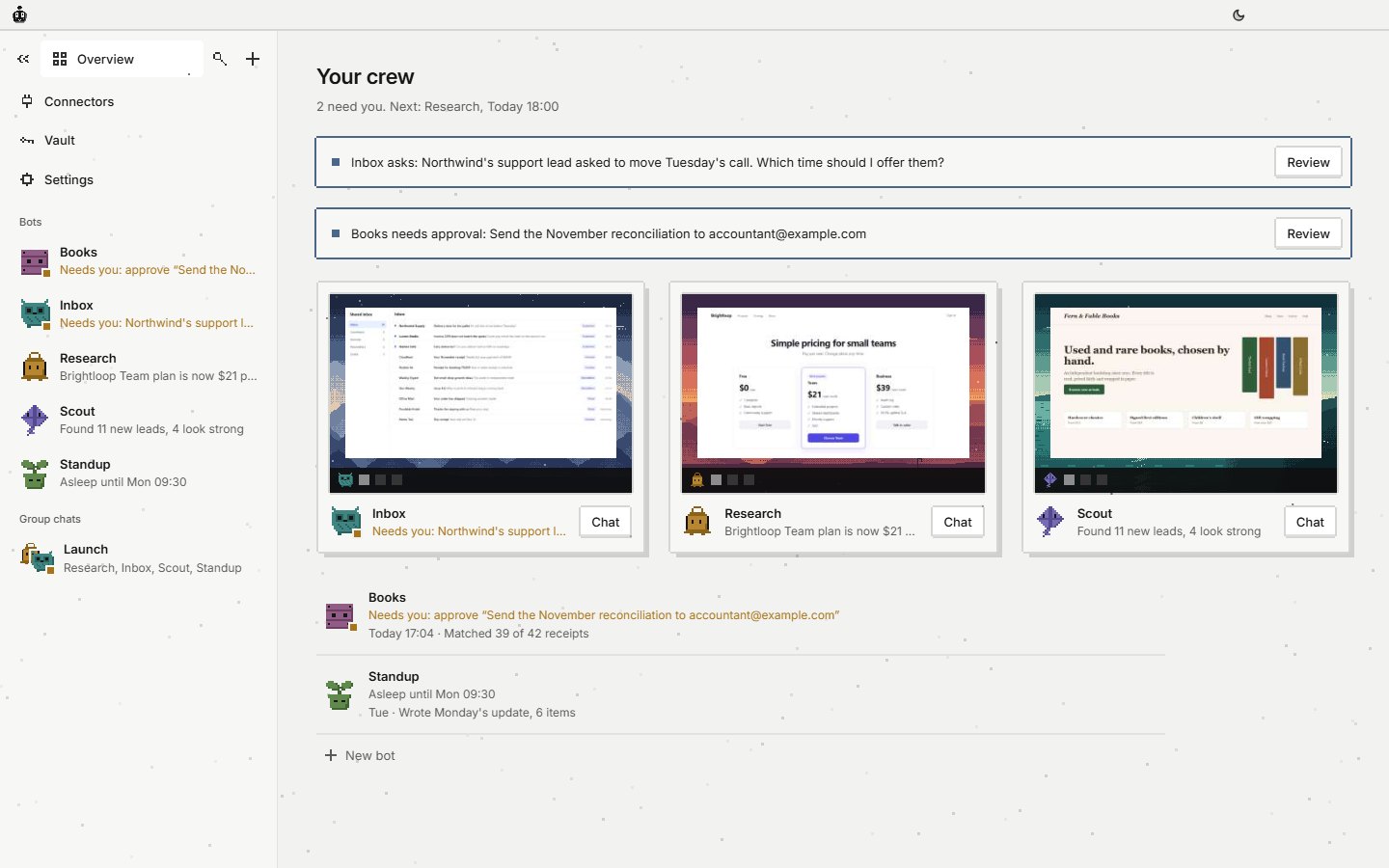
Sorts new mail and drafts the replies. Sends nothing without asking.
Fenna Crew 0.9 · Free and open source
Give a bot a job and a schedule. It works on its own computer, with a browser that stays signed in, its own files and real editors, using the AI plan you already pay for.
Windows, macOS and Linux · Runs on Claude Code, Codex or Antigravity · No account
One job each
Sorts new mail and drafts the replies. Sends nothing without asking.
Watches three pricing pages and tells you when one changes.
Writes the team update in a Fenna doc from last week's work.
Files receipts into a Fenna sheet and flags what doesn't add up.
Describe the job in a sentence. Crew writes the bot, and you can change any of it.
Its own computer
A real browser that keeps its sign-ins, a disk for its files, and Fenna's docs, sheets, slides, whiteboard and design editors as windows. It never touches your desktop, your browser or your files.
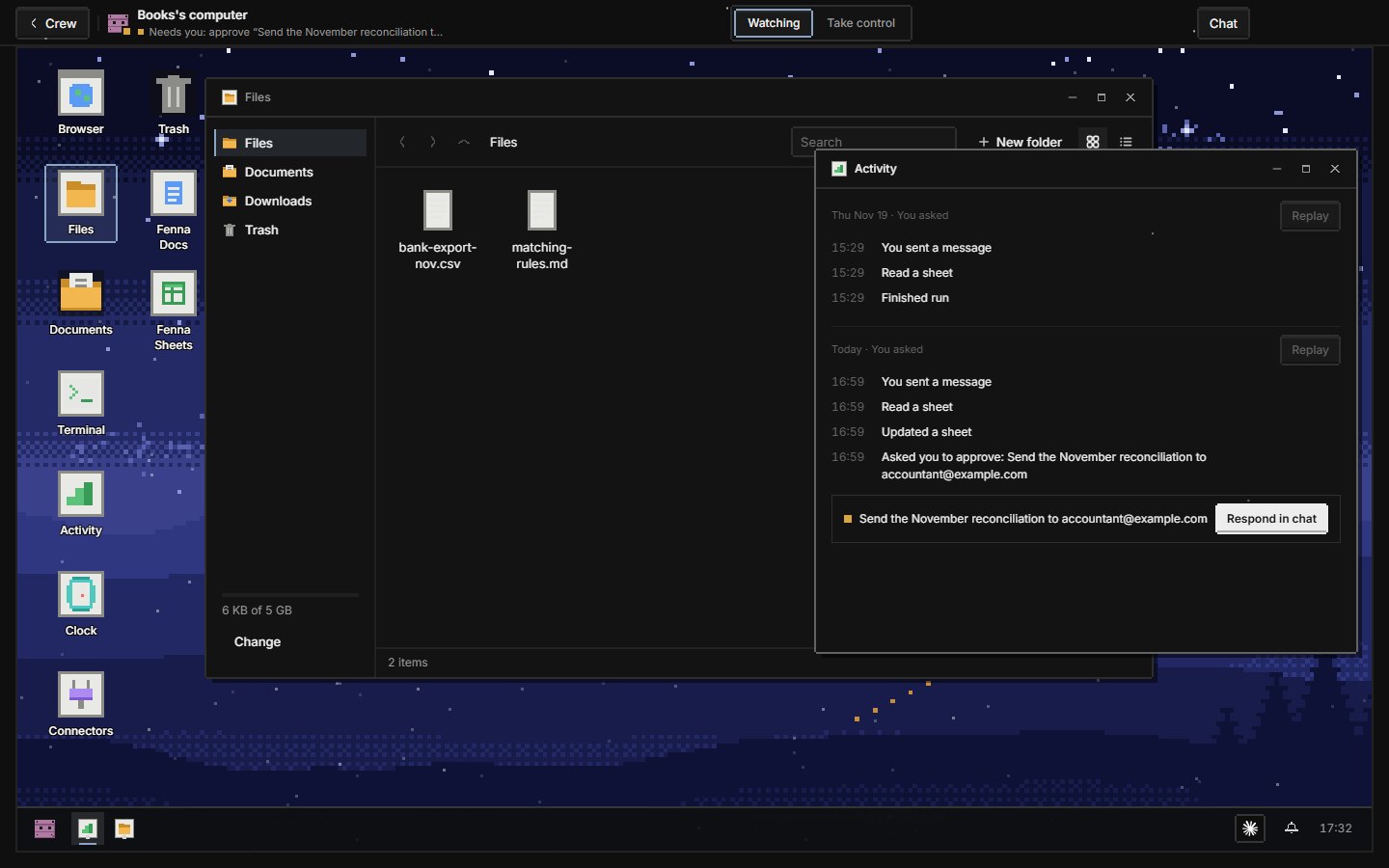
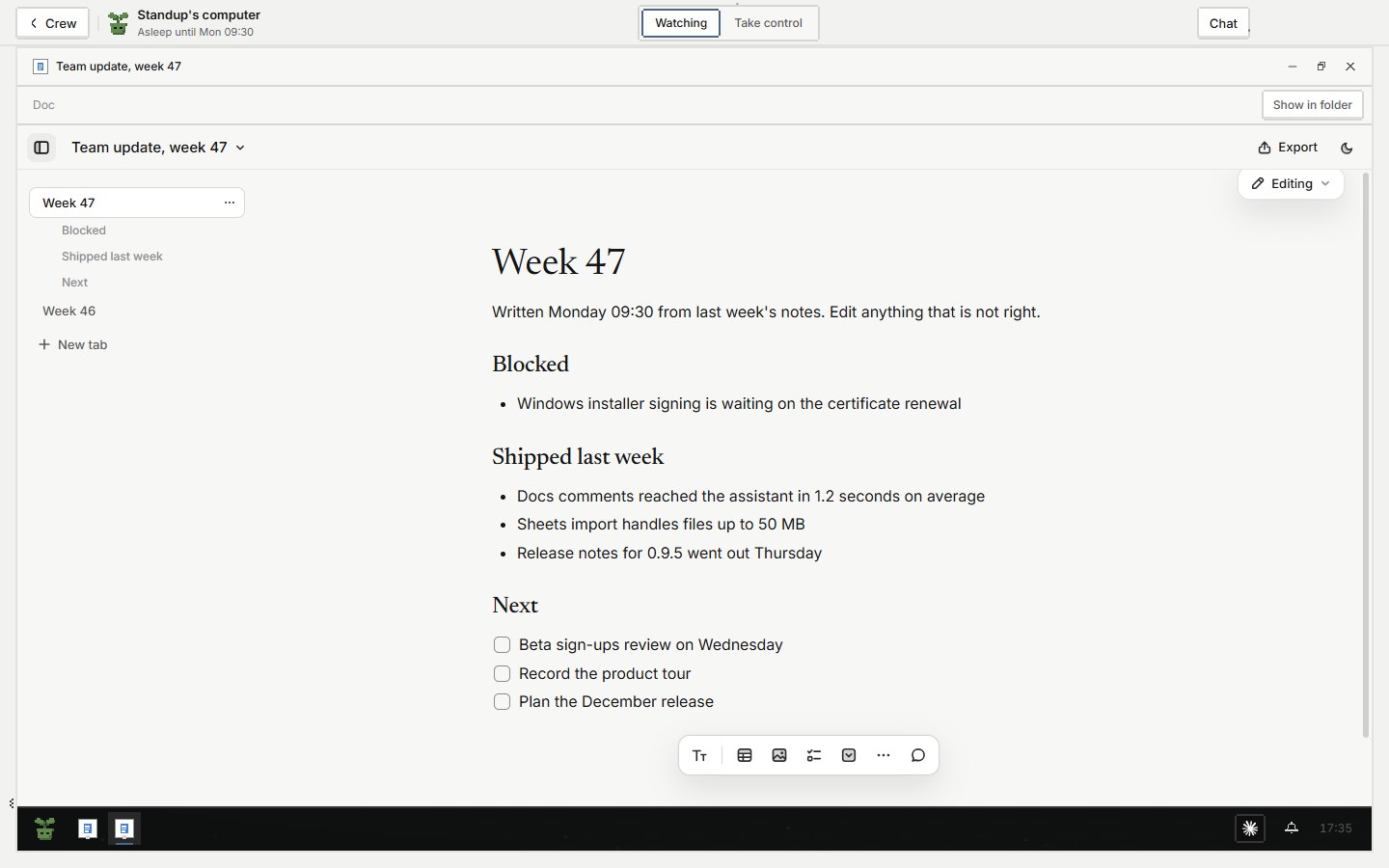
Open any bot's screen and see it work. Take control to type a password; the bot pauses and doesn't see what you type.
Name what needs your OK (sending, paying, deleting). The bot stops and asks with an approval card.
Saved logins live in a vault on this computer. Crew fills them in; the model never reads them.
Put bots in a group chat. Message the lead, or @mention who should answer.
Schedules, site notifications or a change on a page wake a bot. It doesn't sit there burning your plan.
Give a bot MCP connectors and choose allow, ask or off for each tool.
No account
Claude Code
Codex
Antigravity
Bots run through the official app you sign in to. Fenna has no servers, no account and no copy of your files. It is free and open source under the AGPL.
Five editors
Decks and presentations, with present mode and PowerPoint, PDF and web export.
Memos, plans and notes, with tabs, comments and suggested edits, and Word and Markdown export.
Spreadsheets with formulas, charts and conditional formatting, and Excel and CSV import and export.

Brainstorms, flowcharts and retros on an infinite canvas.

A canvas of artboards for screens, landing pages, posters and social posts, exported to PNG, SVG and PDF.
Each is also its own free app that any AI can drive through MCP.
Three steps
01
Free, for Windows, macOS and Linux. No account to make.
02
Sign in to Claude Code, Codex or Antigravity from inside the app.
03
The lead bot, Fenna, helps you set it up.
Version 0.9. Expect rough edges, and tell us about them.